Introduction
Config is used to define how a running session operates: game parameters, accompanying scripts, workspace, cookies, and automatic account switching rules. Follow the steps below to create and set up your first config.You can directly access the Configuration Manager page at
https://app.farmsync.cloud/dashboard/automation/configs/.Create a New Config
1
Access the Configs page
You have 2 options: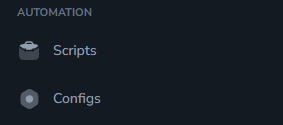
- Open the URL:
https://app.farmsync.cloud/dashboard/automation/configs/ - Or go to Automation > Configs.
2
Configuration Manager screen
When accessing for the first time, the list will be empty.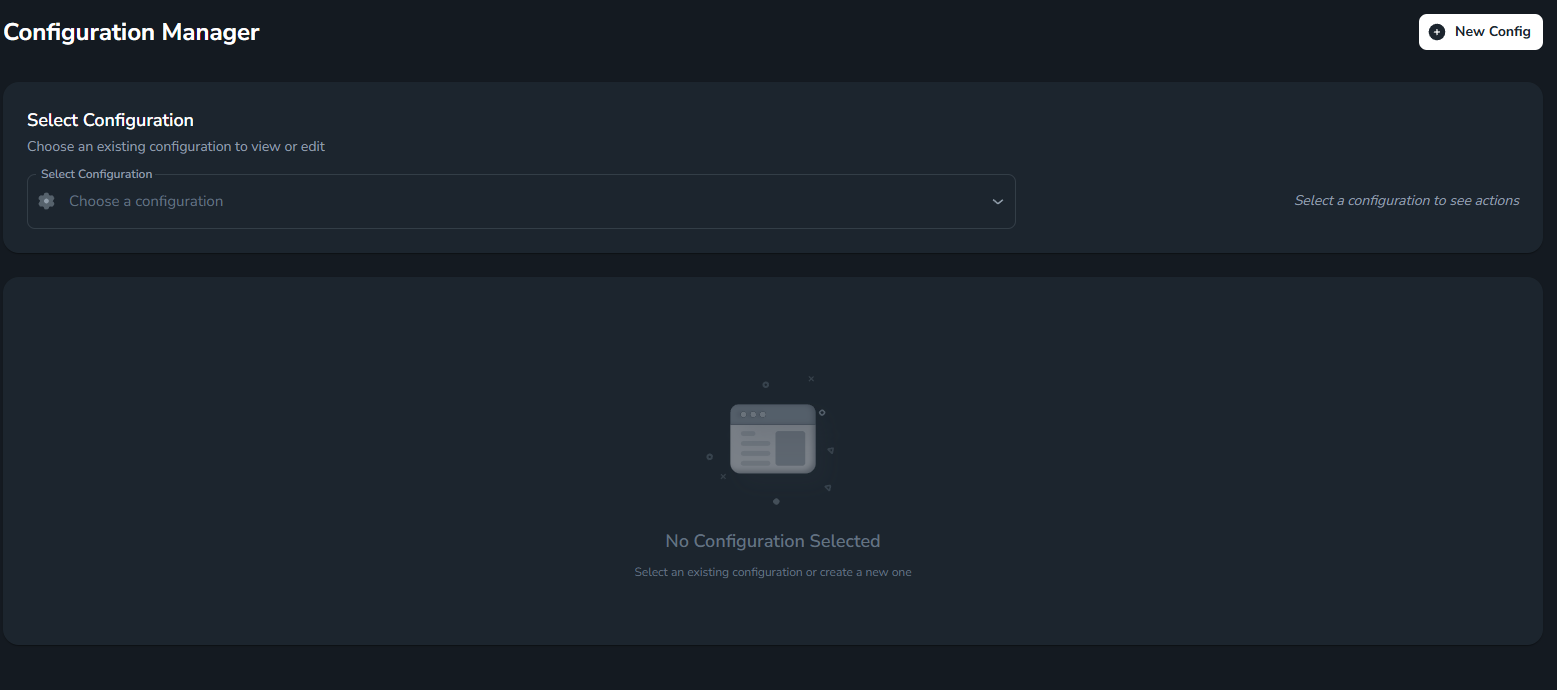

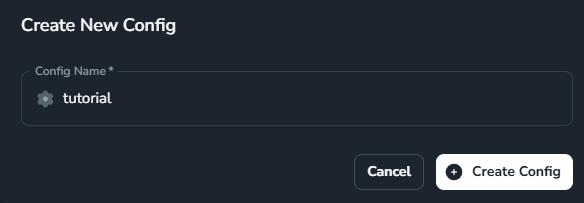
3
Detailed configuration interface
After creation, you’ll be taken to the Config’s detailed configuration page.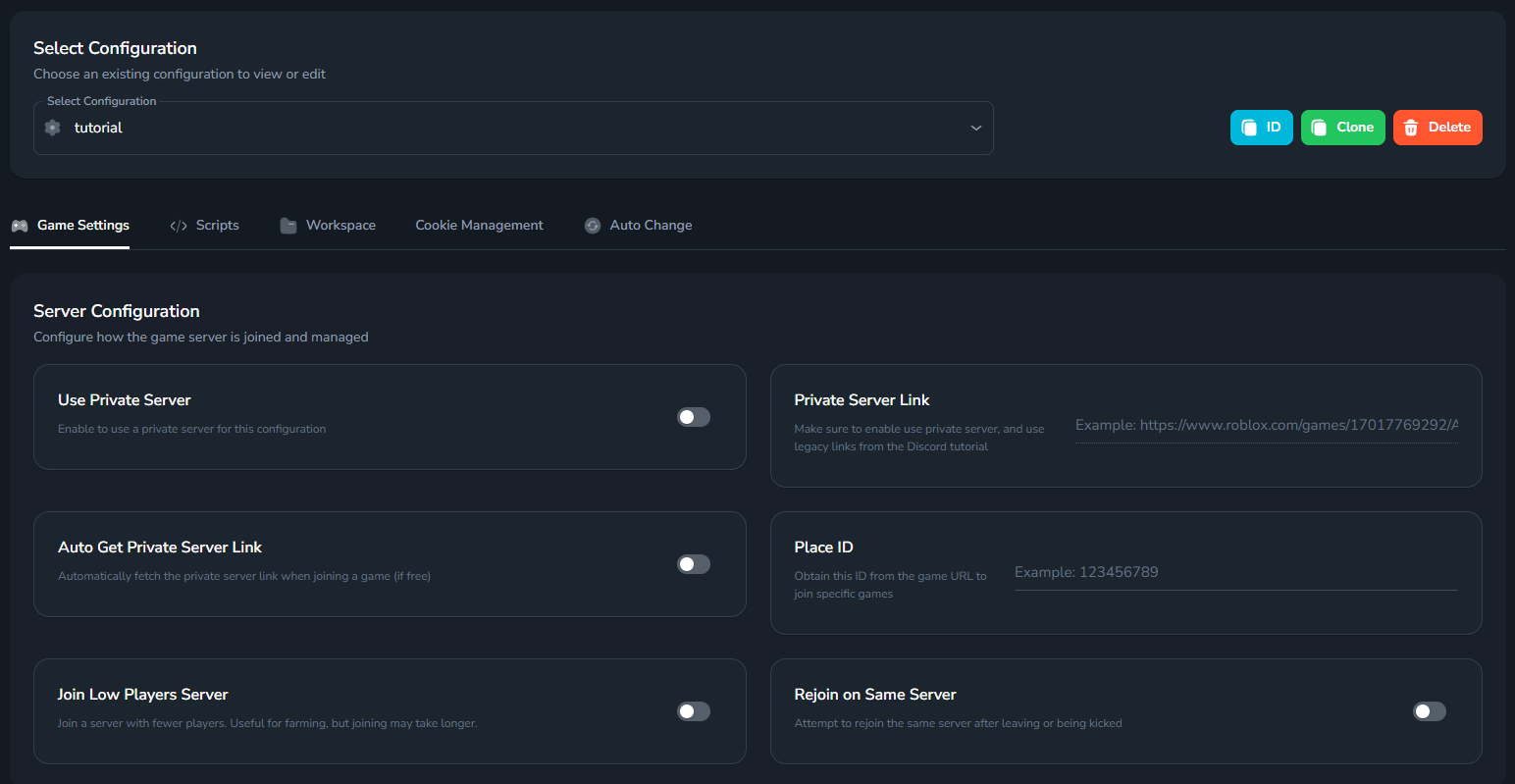
- Game Settings
- Scripts
- Workspace
- Cookie Management
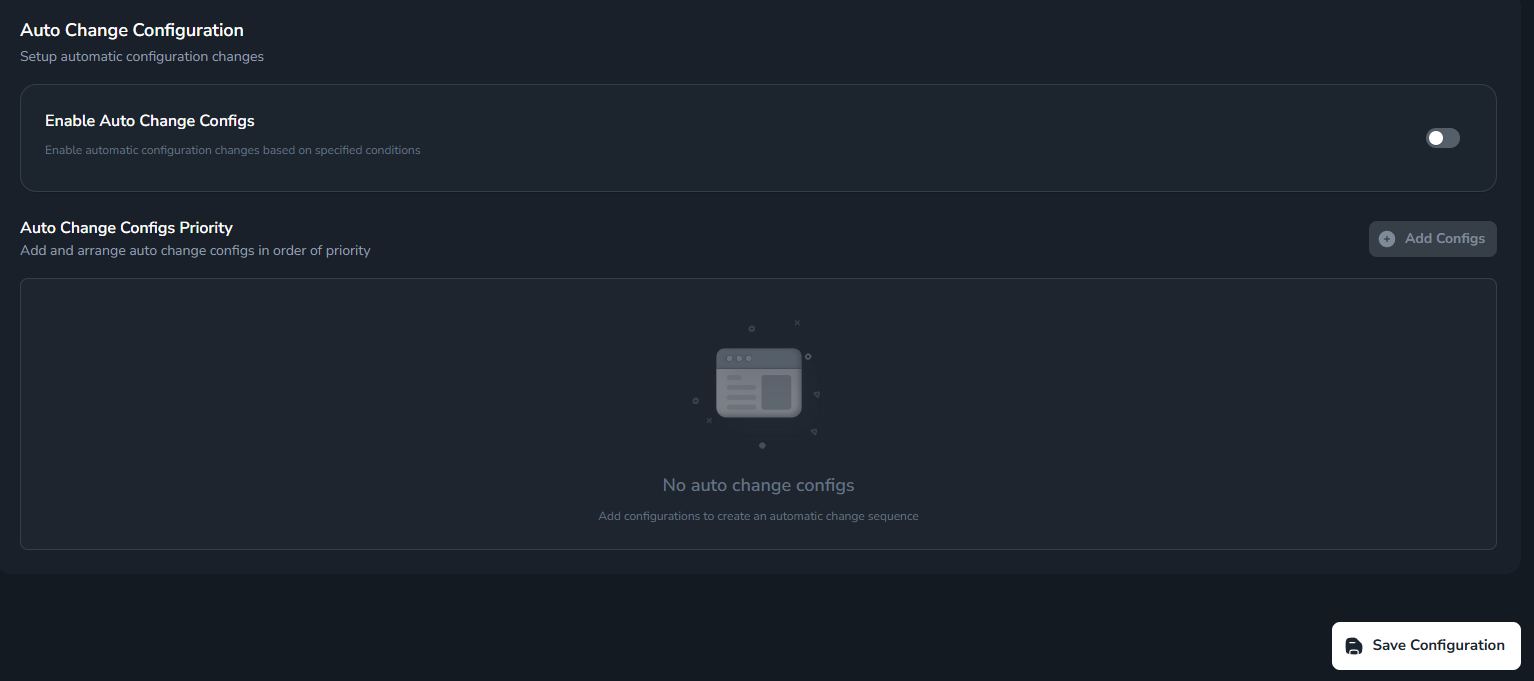
- Auto Change
Game Settings
Server Configuration
Set up how to join the server and game parameters.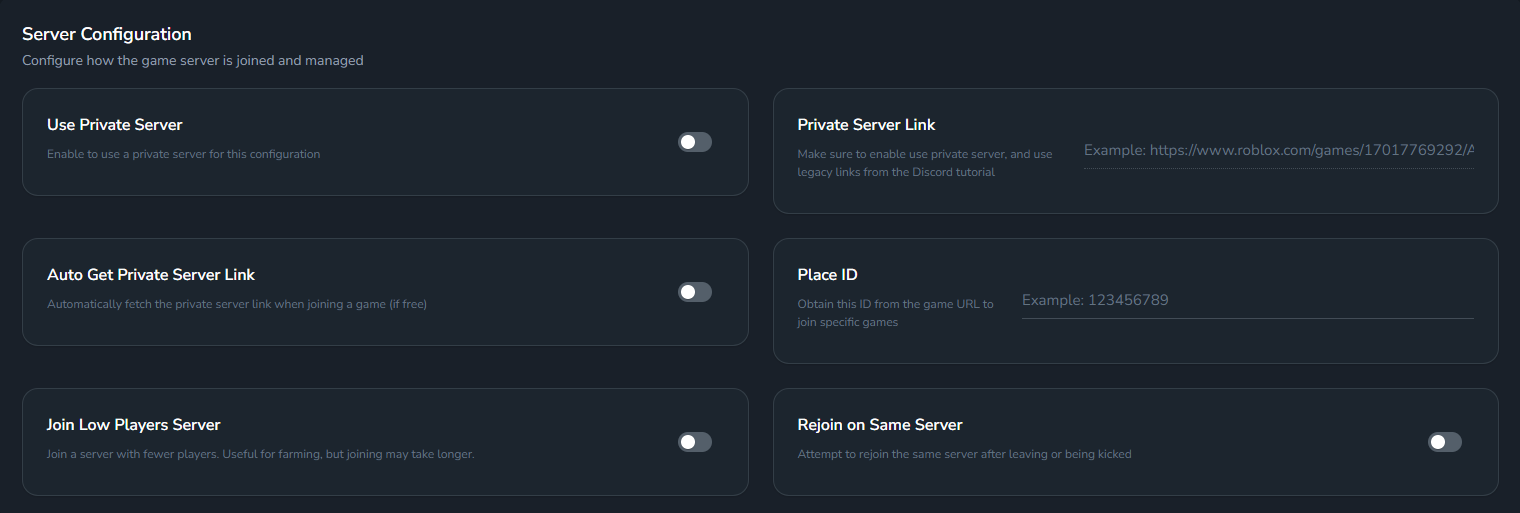
Execution Settings
Adjust how scripts are executed (delay, auto-rejoin on error, auto minimize, etc.).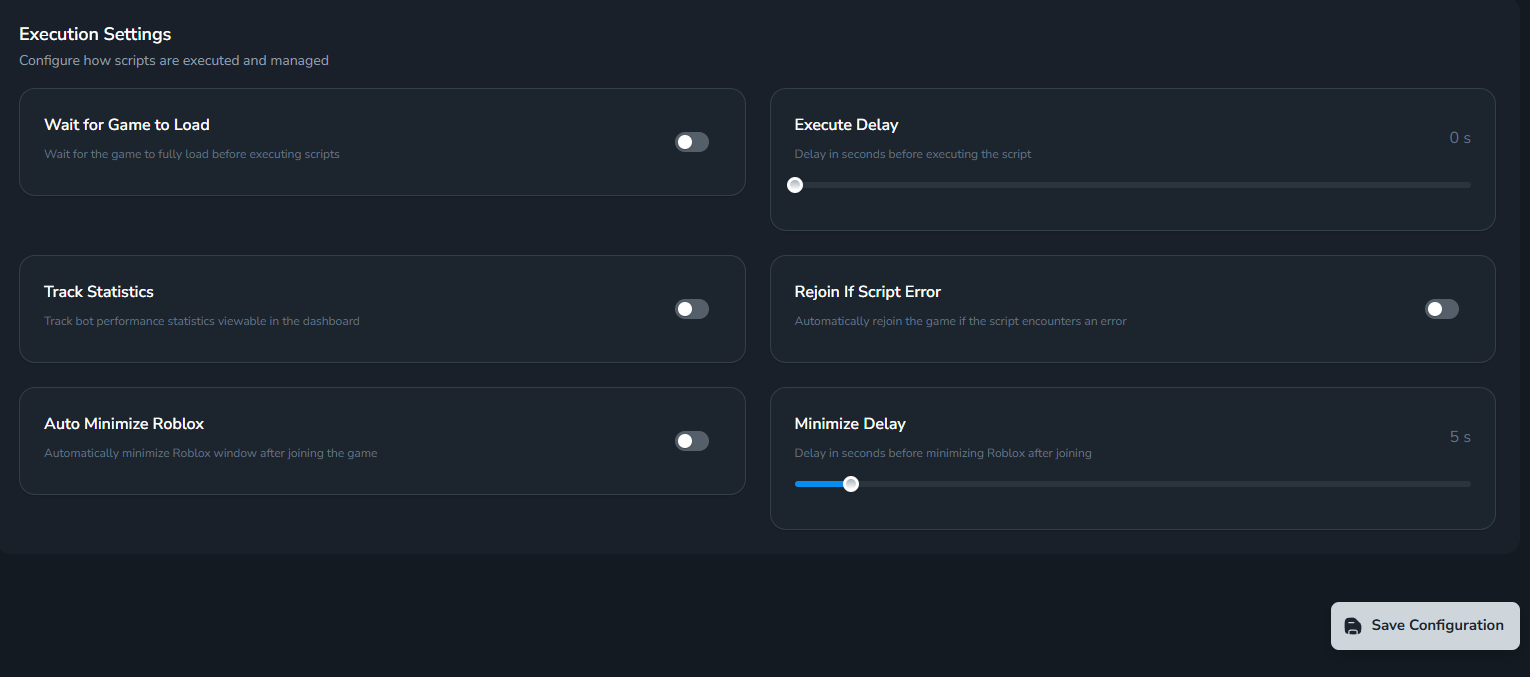
Scripts
Select one or more scripts to run with this config.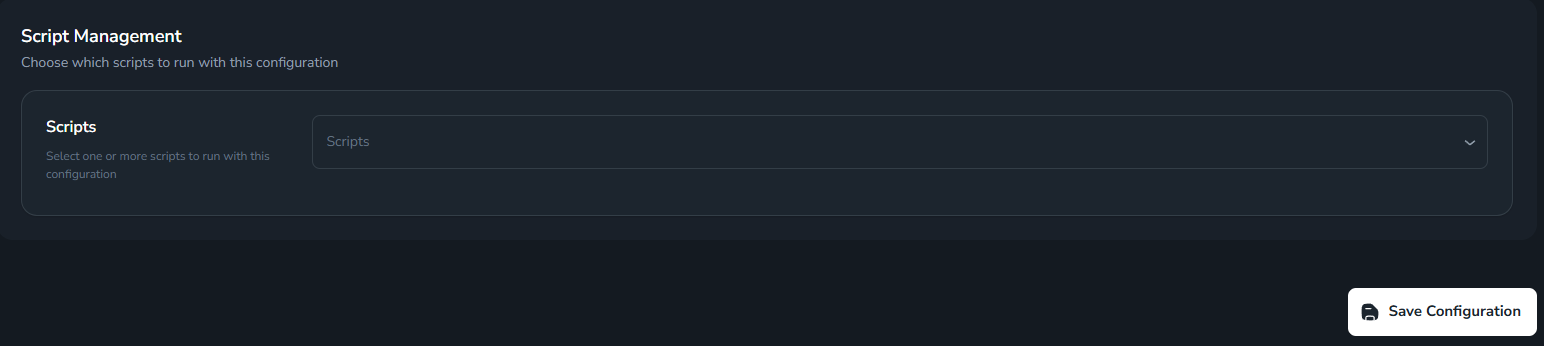
You can select multiple scripts at once for one config.
Workspace (Advanced)
Manage Workspace: clone, rename files according to format… For advanced users.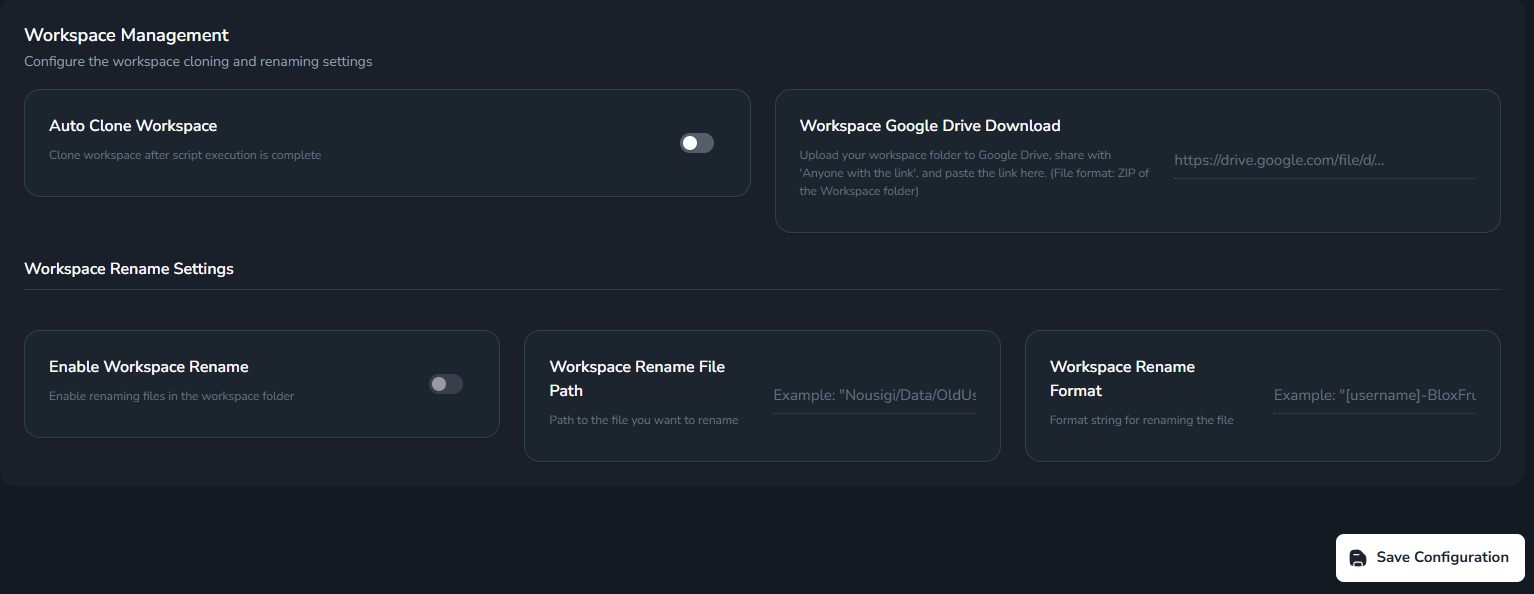
Advanced feature: used to customize workspace for each account.
Cookie Management
Automatically change accounts when cookies expire or according to your selection.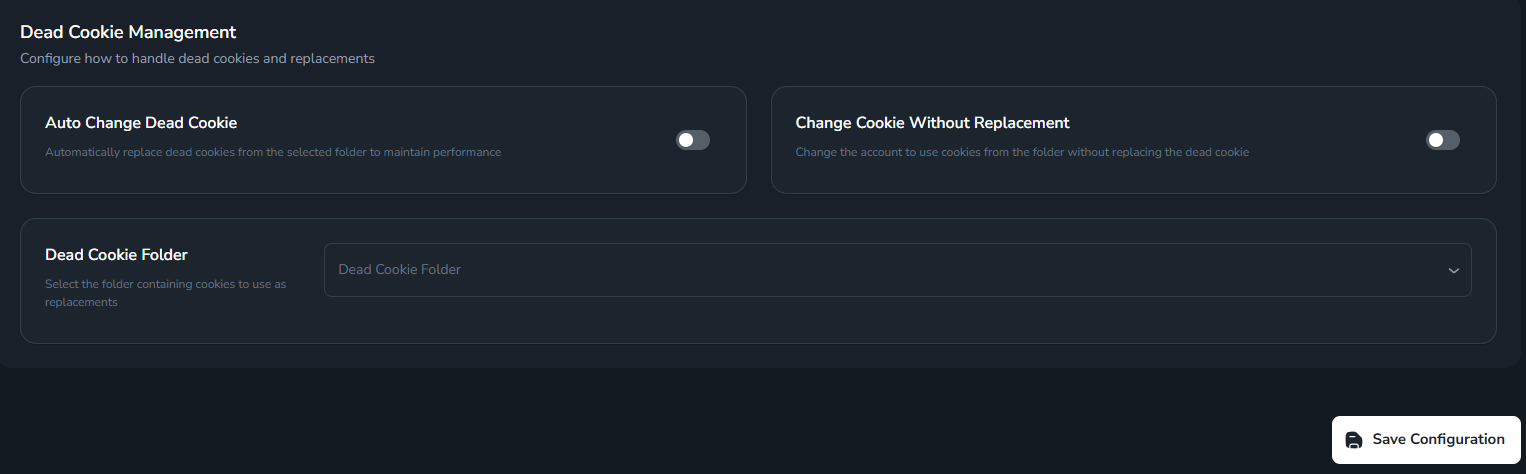
Auto Change
Set up automatic account switching when conditions from Autochange Config are met; you can arrange priority.